Built for careful cleanup
Duplicate cleanup can damage a project if it is rushed. Twinfinder keeps users in control with visible recommendations, blocked-file safeguards, safe Trash moves, undo support, and exports for review.
Find duplicate files, similar photos, repeated audio, and overlapping folders, then review a clear cleanup plan before anything moves to Trash.
Twinfinder now turns every cleanup into a reviewable plan. The plan shows the kept file, files selected for removal, blocked items, recoverable space, match type, risk level, and a plain-language reason for each group. Users can copy the plan as Markdown for an audit trail.
Duplicate cleanup can damage a project if it is rushed. Twinfinder keeps users in control with visible recommendations, blocked-file safeguards, safe Trash moves, undo support, and exports for review.
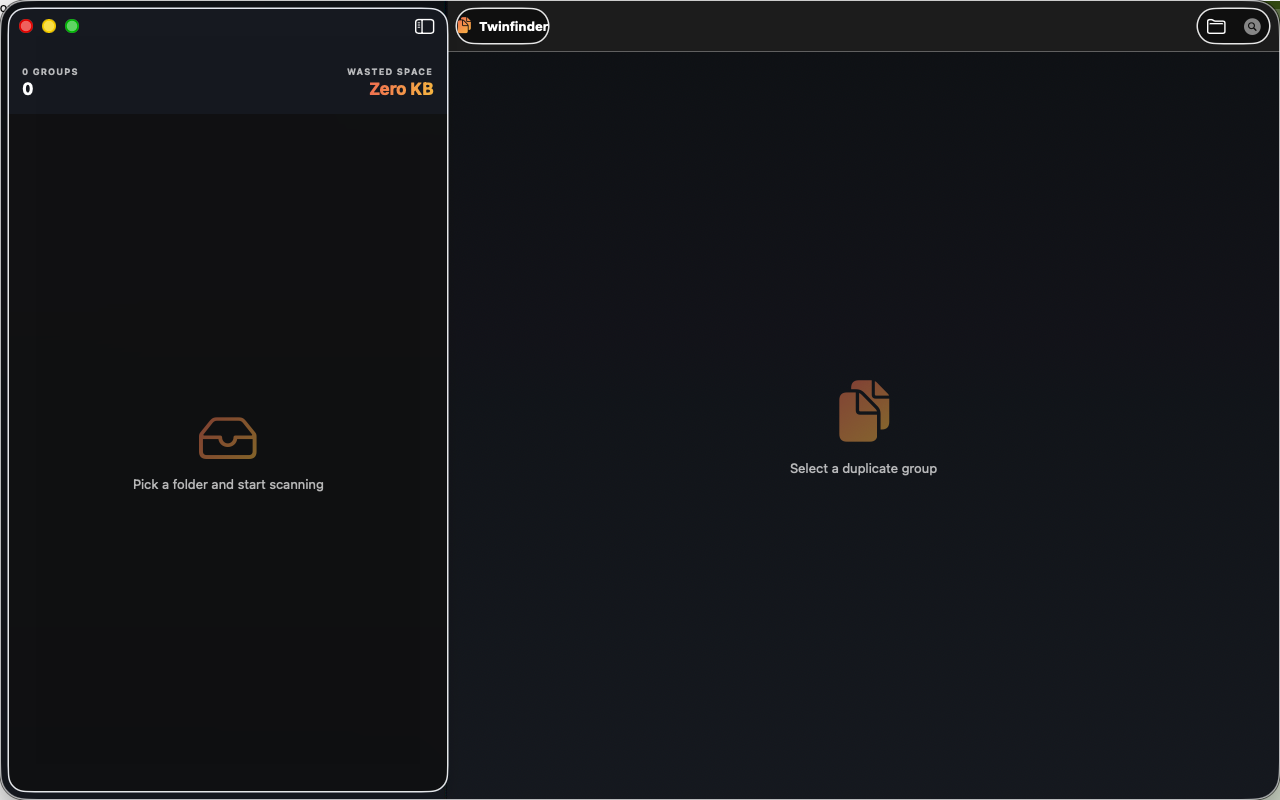
The screenshot below shows Twinfinder's current Mac interface with the 2.2 review workflow.
Twinfinder scans only folders selected by the user through macOS. It does not create accounts, does not transmit files, and does not use third-party analytics or advertising SDKs.