Why it helps
Outpost Desk gives you practical structure from messy notes and documents. Paste text or attach a PDF, choose a mode, review readability and clarity signals, then create a Dispatch Packet when the work needs to move forward.

A private text workbench for summaries, action lists, rewrites, decisions, code notes, and handoff-ready Dispatch Packets. Everything stays on your Mac.
Outpost Desk gives you practical structure from messy notes and documents. Paste text or attach a PDF, choose a mode, review readability and clarity signals, then create a Dispatch Packet when the work needs to move forward.
Create a project-manager style handoff report from the active workspace. It extracts a summary, action items, questions, dates, risks, and next steps, then gives the source a 0-100 readiness score using local analytics, readability, and clarity checks. Copy the full packet as Markdown with one click.
Live word count, sentence count, paragraph count, syllable count, estimated reading time (at the 238 wpm median adult rate), Flesch Reading Ease score with labelled difficulty band, and Flesch–Kincaid Grade Level. Plus a top-10 keyword frequency list so you can see which terms dominate your text. Opens inline alongside the chat — toggle with the toolbar badge or Cmd+Shift+A.
A persistent library of reusable text snippets saved on your Mac. Ships with eight curated starter snippets (meeting recap header, weekly status template, decision brief, code review prompt, plain-English rewrite prompt, and more). Create your own, tag them, search by title/tag/body, and insert any snippet into the chat input in one click. Open with Cmd+Shift+S or the toolbar.
Export any conversation to a CSV file via a standard macOS save dialog. Columns: index, role, ISO 8601 timestamp, word count, and content. Fields with commas, quotes, or newlines are properly RFC 4180-escaped. Export from the toolbar, the sidebar right-click menu, or the Tools menu (Cmd+Option+E).
A proper macOS Settings window (Cmd+,) lets you set your default mode and export preferences. A new Tools menu in the menu bar puts Export Markdown, Export CSV, and Snippet Library one keystroke away from anywhere in the app.
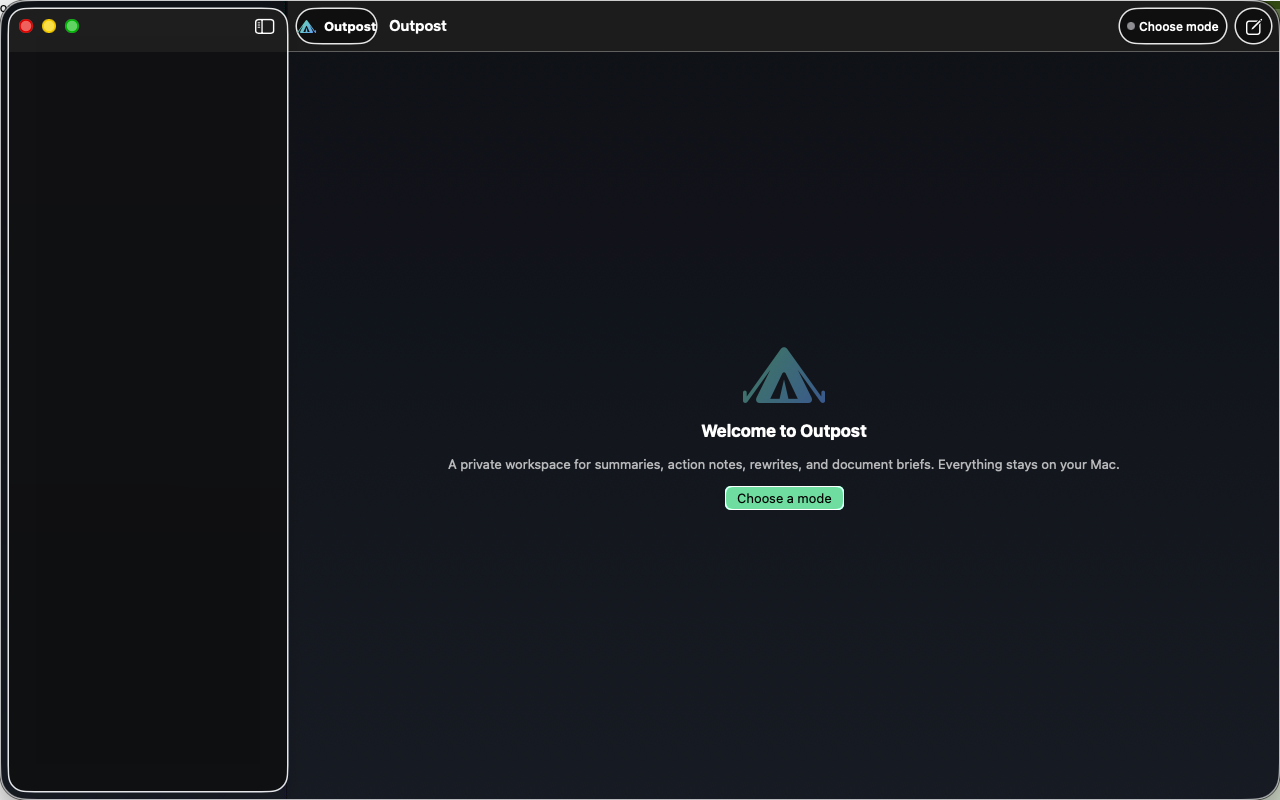
This image shows the current Mac app interface used for review-facing screenshots.