Manifold App icon
Mac App - Version 2.1

Manifold App

A privacy-first workspace scene planner for Mac. Design reusable desk setups with visual layouts, notes, checklists, snapshots, exports, and pro readiness briefs.

Plan repeatable workspaces

Manifold helps you define named workspace scenes for writing, research, code review, meetings, admin blocks, design review, or any recurring work mode. Compose regions visually, save notes, add setup steps, and keep each scene ready for the next session.

Manifold does not move, resize, open, activate, inspect, or control other apps or windows. It is a reference planner, not a window manager.
Pro tools

  • Visual Layout Composer with draggable, resizable regions
  • Ratio split layouts and quick tile guides
  • Coverage scoring, overlap checks, and multi-screen planning
  • Scene notes, checklists, templates, and saved snapshots
  • Search across scenes and notes
  • JSON import/export, CSV, text, Markdown, and Session Brief export
  • New Session Brief readiness report with launch order and next actions
New in 2.1

Session Briefs

Every scene now has a readiness score, launch order, issue list, and next-action checklist. Manifold flags incomplete setup details like missing notes, empty checklists, generic labels, low coverage, overlapping regions, missing snapshots, and stale scenes.

New in 2.1

Handoff exports

Export a clean Markdown Session Brief for project notes, team handoff, or personal runbooks. The brief gives you the scene plan without requiring any app-control permissions.

Layout composer

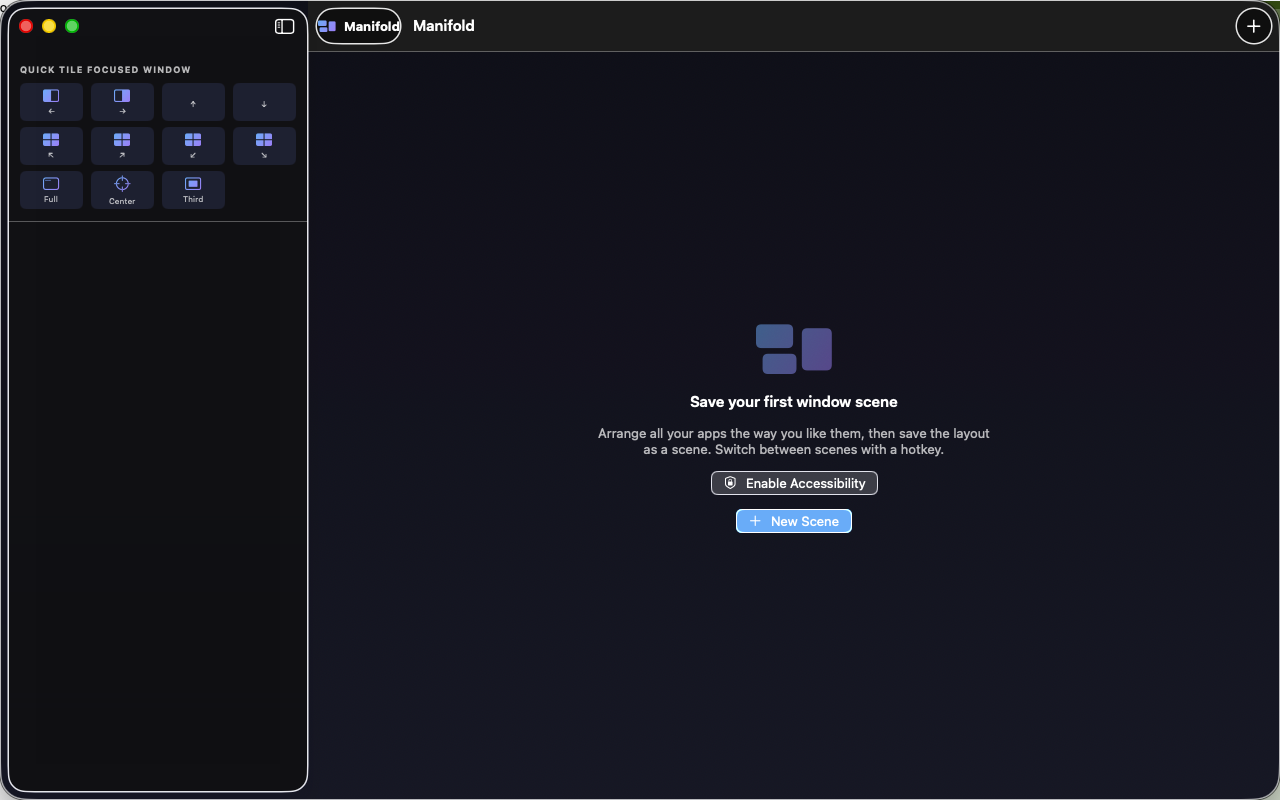
Drag and resize regions, apply quick tile presets, switch aspect targets, save snapshots, and compare layout readiness. The composer is built for people who want precise workspace planning without extra permission prompts.

Offline by design

All scene data is stored locally on your Mac using SwiftData. Manifold has no account system, no ads, no analytics SDK, and no network-based workspace sync.

App interface

Manifold App Mac screenshot