Loomscript
A Mac SOP and runbook studio for repeatable work — write the process, audit readiness, run it live, and keep evidence from every execution.
Version 2.1 — updated June 27, 2026 · macOS 14.0 or later · No account required · Fully offline
What it does
Loomscript is a local-only workflow planner for people who run the same processes repeatedly and need more than a basic checklist. Build a library of reusable SOPs, audit each runbook for readiness, then execute live run sessions that check off steps, record timestamps, capture branch choices, and preserve run notes. Your run history stays on your Mac — nothing is sent anywhere.
Features
Readiness audit 2.1
Score each runbook before use. Loomscript checks for missing steps, stale verification, weak summaries, missing critical checkpoints, branch gaps, and missing time estimates.
Reusable workflow scripts
Write a title, summary, category, tags, version, recurrence schedule, and any number of ordered steps. Edit in place — no save button needed.
Timed and branching steps
Use action, timed, wait, and decision steps. Mark critical checkpoints and add branch choices so live runs match real operations.
Live run sessions
Hit Run and work through steps in real time. Each step records completion timestamps, selected branches, elapsed time, and optional run notes.
Run history and insights
Every finished run is saved alongside the script. Review completion count, best run, consistency, per-step averages, and estimate-vs-actual timing.
Exports for audit trails
Export script definitions, completed run reports, printable SOPs, or whole-library JSON backups using macOS file dialogs.
Search and organization
Full-text search across titles, summaries, tags, and categories. Combine search with tag and category filtering for large libraries.
Mac-native controls
Keyboard shortcuts, menu bar commands, a Window menu reopen command, sandboxed file access, and a crisp desktop layout built for repeated work.
Privacy first
Everything stays on your Mac in Application Support. No network calls, no account, no ads, no tracking. Export to a file and the file is yours.
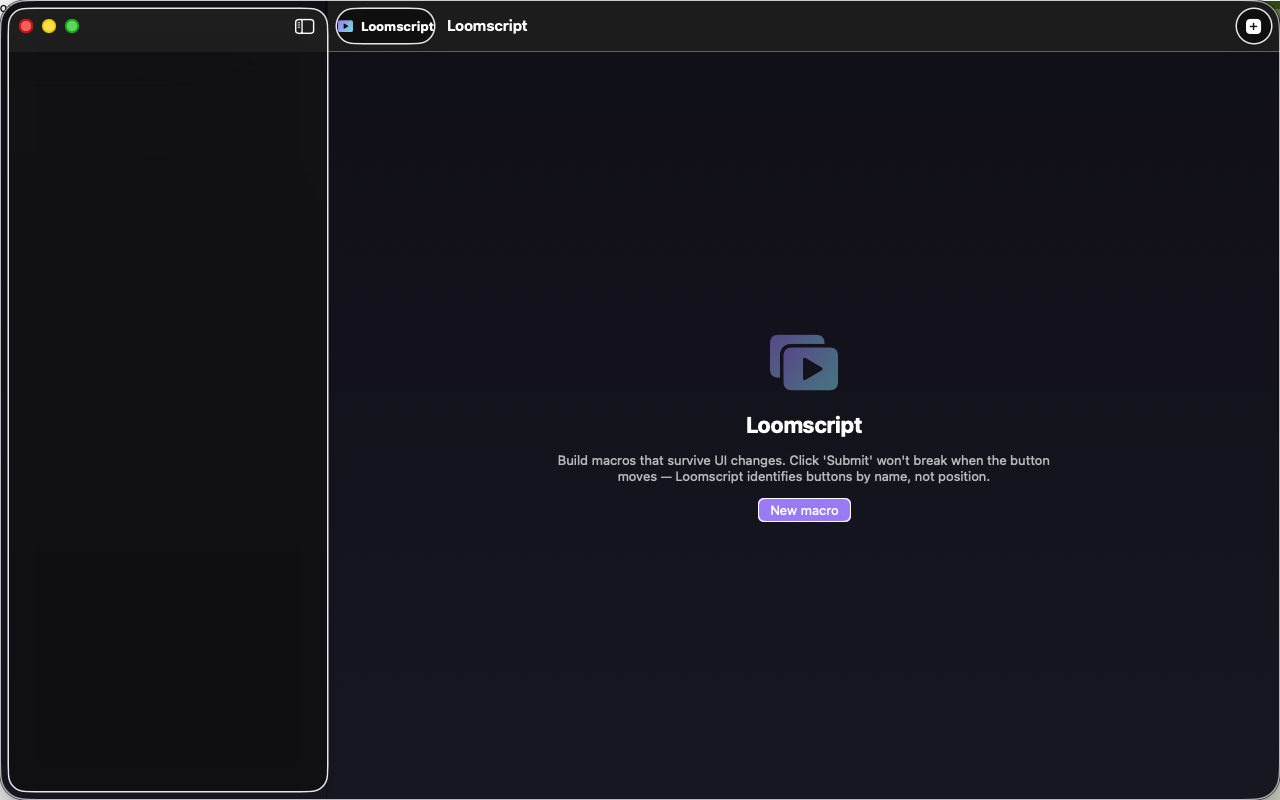
App interface