Mix Lab
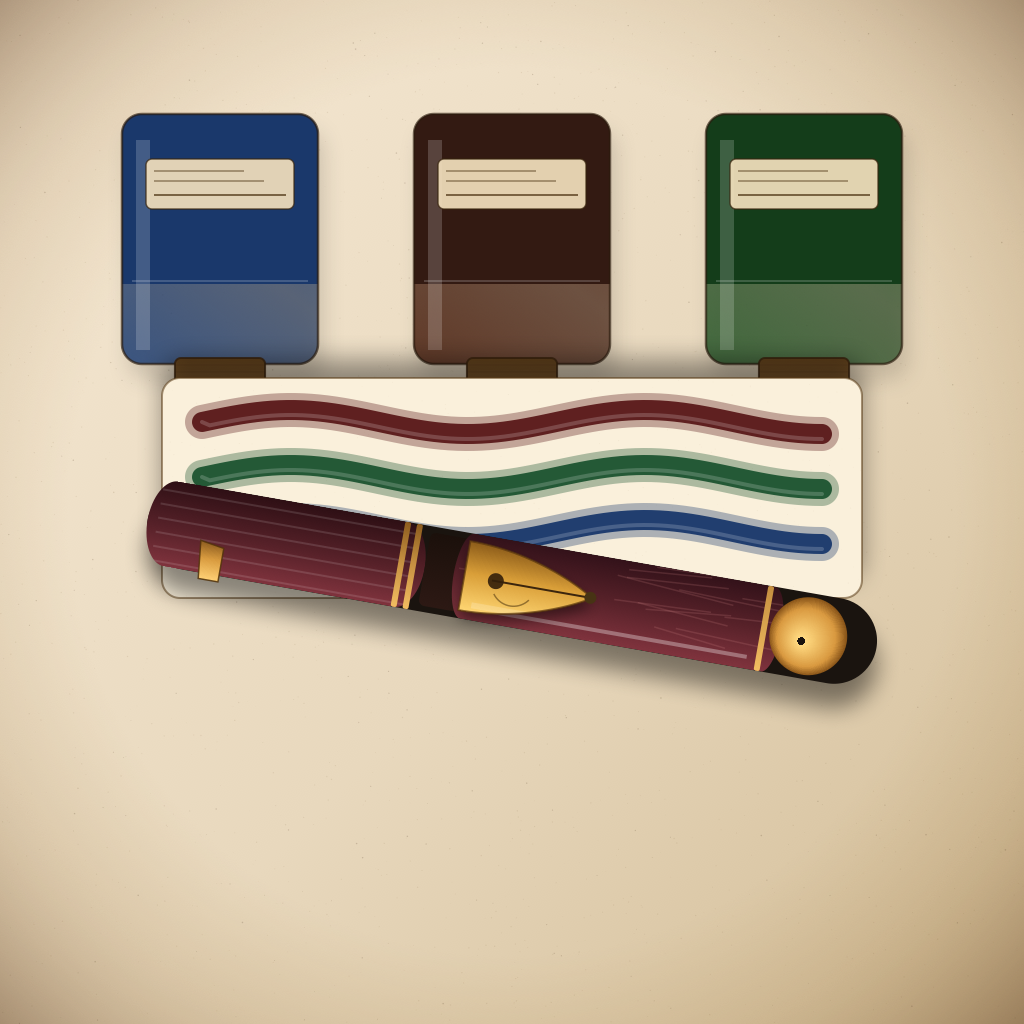
Record custom ink blends: choose 2–4 source inks from your library, set each ingredient's ratio in parts, and add notes on the result. InkAtlas computes a weighted RGB color preview and shows a component stripe so you can identify blends at a glance. Includes a mixing safety note distinguishing dye-safe blending from iron gall / pigmented ink combinations to avoid.
Palette Hue Wheel
Browse your entire ink collection arranged by hue angle on a color wheel. Distance from the center reflects saturation — vivid inks sit farther out, muted inks closer in. Tap any dot to see the ink's exact hue, saturation, and brightness values plus its property tags. A color-family coverage grid identifies which hue families you have covered and which are gaps.
Near-Duplicate Detection
The palette view flags any ink whose hue falls within 12° of another in your collection at similar brightness. A gold badge appears on the dot, and a summary card lists them all — useful for spotting duplicate purchases before you buy the next bottle.
Pen & Ink Library
Log every pen with nib size, filling mechanism, and retirement status. Track each ink bottle level, swatch color, and 80+ hobbyist property tags (shading, sheen, shimmer, permanence, behavior, tone).
Five-Dimension Combo Ratings
For any pen + ink + paper triple, rate shading, sheen, dry time, feathering, and bleed-through on a 1–5 scale. InkAtlas computes a dimension average and surfaces your top combos on the dashboard.
Currently Inked Rotation
Log which pens you have loaded right now. Set a per-pen cleaning interval — shimmer inks need more frequent flushing — and get a cleaning alert when the threshold passes. Mark pens flushed to build a history.
Ink Sample Vault
Catalogue every ink vial you own with status: Untested, Testing, Loved, Want to Buy, For Trade, or Passed. Add tasting notes on flow, shading, paper pairing, and a five-star rating so you know exactly what to buy next.
Wishlist
Save grail pens, inks, and paper before you forget. Prioritize items High / Medium / Low, add an estimated price, and mark them acquired when they arrive.
CSV Export
Export your entire atlas — inks, pens, paper, combos, samples, wishlist, and blend recipes — as a single structured CSV file. Open in Numbers, Excel, or any spreadsheet app. Your data stays yours.
Ink Properties Reference
Browse 80+ hobbyist vocabulary tags across shading, sheen, shimmer, permanence, paper interaction, color family, and use case. Canvas demos illustrate shading, sheen, and ghosting/feathering visually.
Nib Size Reference
Compare all common nib shapes — EF through BB, stubs, italics, architect, and music — with a live line-width preview and editable sample text. Includes a note on Japanese vs European sizing conventions.
Notebook Tracker
Open a notebook record when you crack a fresh journal. Track which pen and ink it currently carries, fill progress, and days in use. Close it when finished to preserve the history.
Stats Dashboard
See your atlas at a glance: overall rating distribution, dimension averages, nib breakdown, brand counts for pens, inks, and paper, and most-used ink properties across your whole collection.