iPhone and iPad · Version 1.4

Fast PDF

Scan stacks. Merge documents. Search your history. Auto edge detection, per-page rotation, OCR, rapid-fire capture, on-device PDF merge, searchable History with tag filters, and a full offline Scan QA Lab — all on-device, no subscription.

Scan & Review

VisionKit auto-detects edges and corrects perspective. Multi-page mode lets you review, reorder, and rename pages before committing. Tap any page thumbnail to rotate 90° — fix upside-down receipts or sideways scans in one tap before the PDF is built. Assign a tag (Receipt, Contract, Medical…) at save time; tags persist and appear in History.

Rapid Capture

One-shot loop mode saves each frame as its own PDF the moment you tap — no review screen. When you close the camera, a Session Summary shows exactly how many files you saved, total storage used, and your capture rate per minute. Then use Merge in History to bundle the day's individual PDFs into one submission packet.

What's new in 1.4

PDF Merge

Open History and tap Merge. Select two or more saved PDFs in the order they should appear, name the output, and tap Merge. Fast PDF combines them into a single file using Apple PDFKit — all on-device. Source files are left untouched.

History search

A search bar in Recent PDFs filters by document name as you type. Find any scan instantly even in a large folder.

Tag filter chips

Tap All, Receipt, Contract, ID, Medical, Financial, or Other at the top of History to view only PDFs with that label. Chips combine with the search bar for precise filtering.

Persistent tags

Tags chosen at save time are now remembered across launches in a local sidecar file inside your Fast PDF folder. They appear in History next to each file and are searchable and filterable.

Save confirmation banner

A brief confirmation banner appears on the home screen after each save, showing how many pages were saved and to which folder.
Scan QA Lab

An interactive offline workspace with five quality metrics (edge confidence, OCR readability, lighting consistency, page-order confidence, and rotation correctness), a seven-scenario playbook including the new Contractor Packet scenario, four-stage capture checklist, and nine reference cards. Everything runs from bundled app data — no network needed.

Privacy-first

  • All processing on-device — no cloud handoff
  • PDF merge uses Apple PDFKit, never leaves the device
  • No account, no ads, no tracking
  • No subscription — one purchase
  • Privacy manifest declares UserDefaults only
  • No network entitlements

PDF quality presets

Three presets give you full control. Compact (JPEG ~0.45, max 1 800 px) keeps receipts and reference docs small. Balanced (~0.72, 2 400 px) is the right trade-off for most multi-page documents. High (~0.92, 3 300 px) is for anything you will OCR for legal purposes, or that contains diagrams, tables, or barcodes.

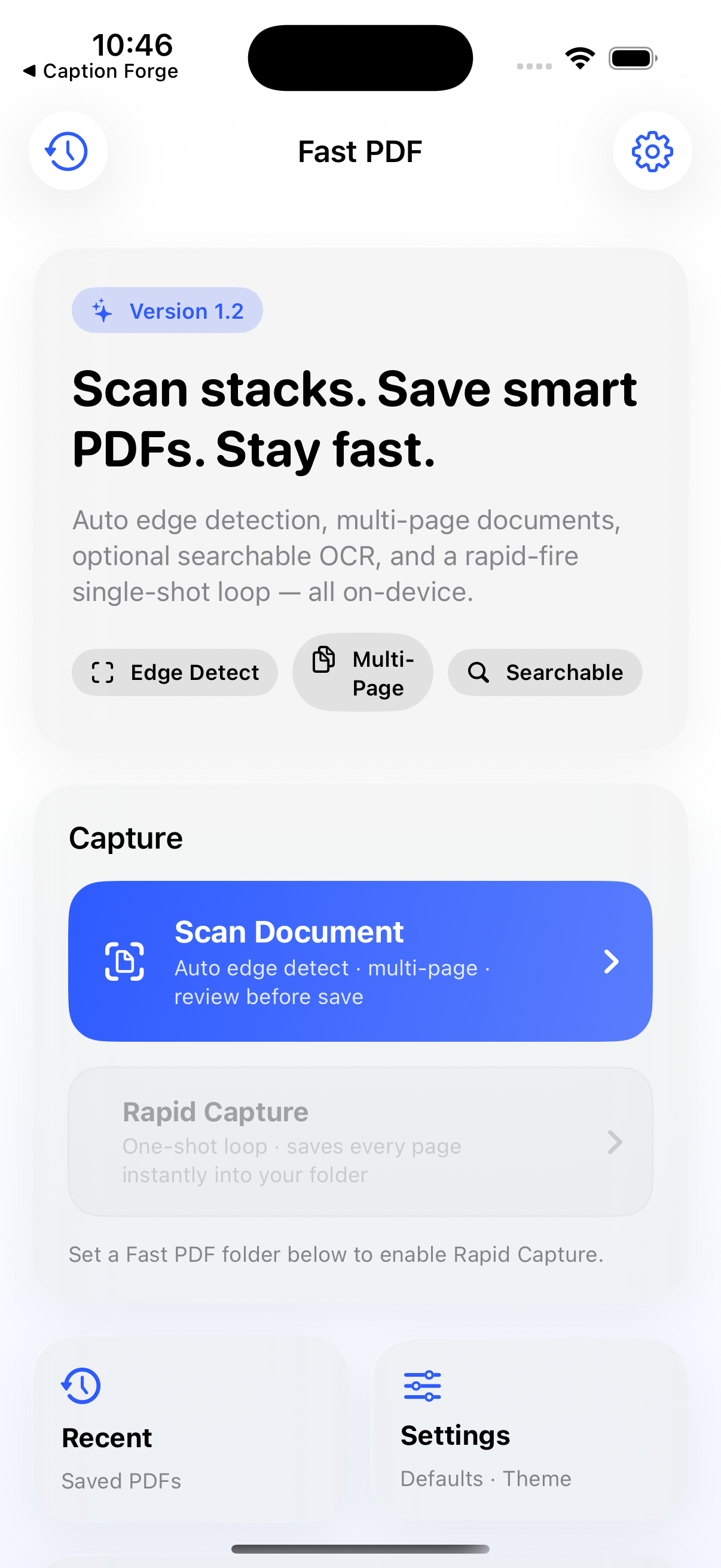
Current App Interface

This screenshot shows the current build used for smoke testing before submission.

Fast PDF app screenshot

Last updated June 15, 2026