










A sharper Shadowfetch
Why I am focusing the studio on useful apps, a dependable Linux desktop, and a website that makes both easier to discover.

Independent software studio
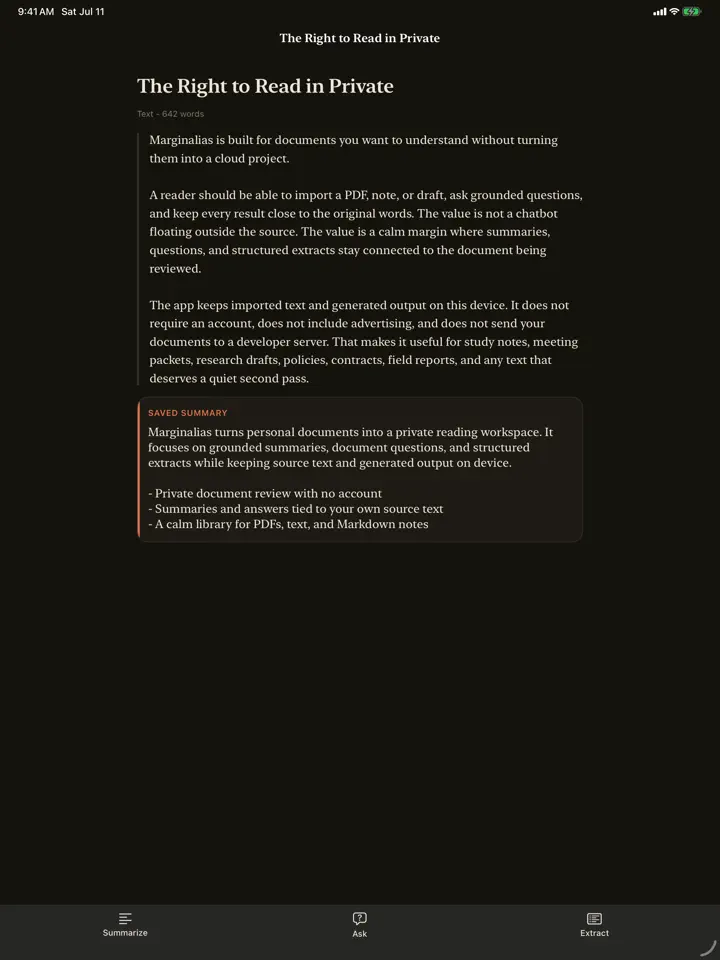
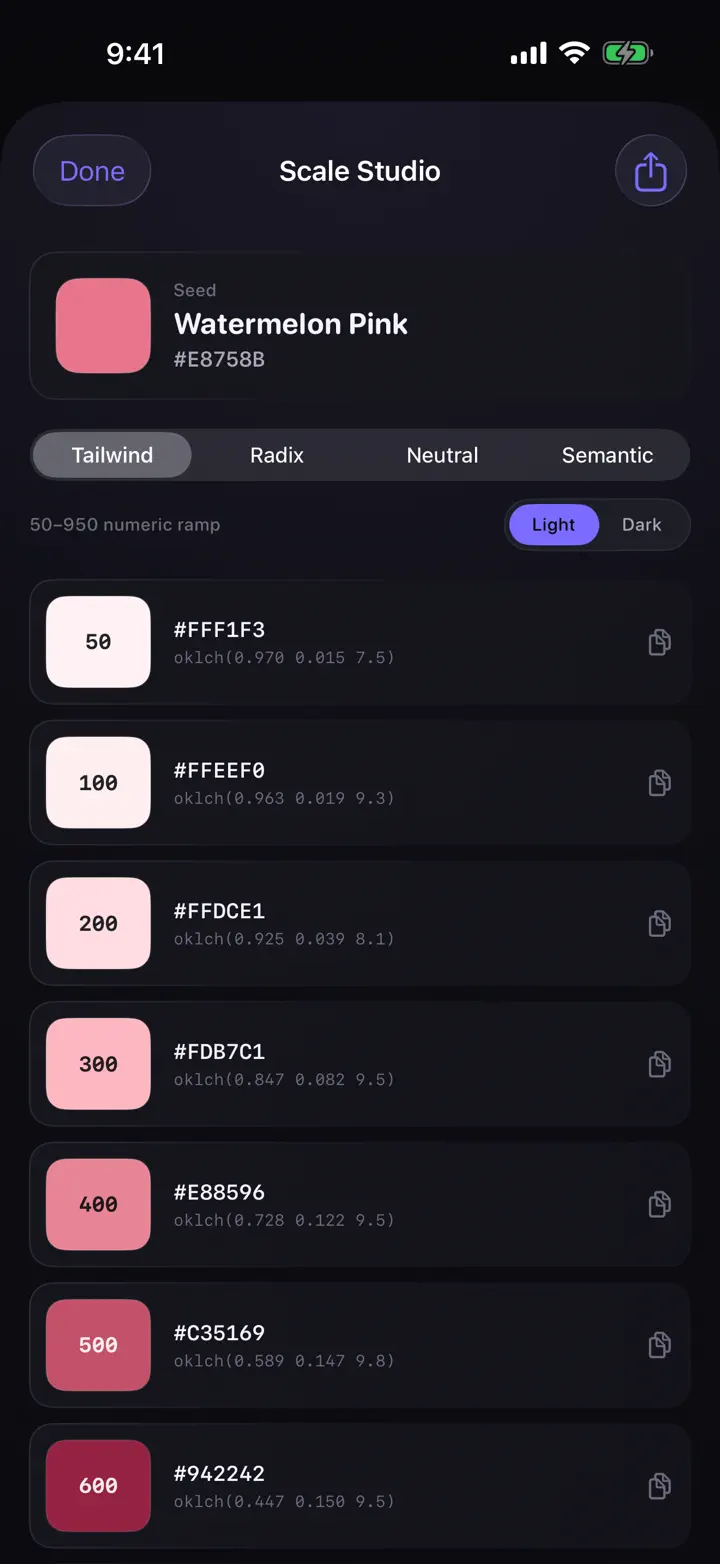
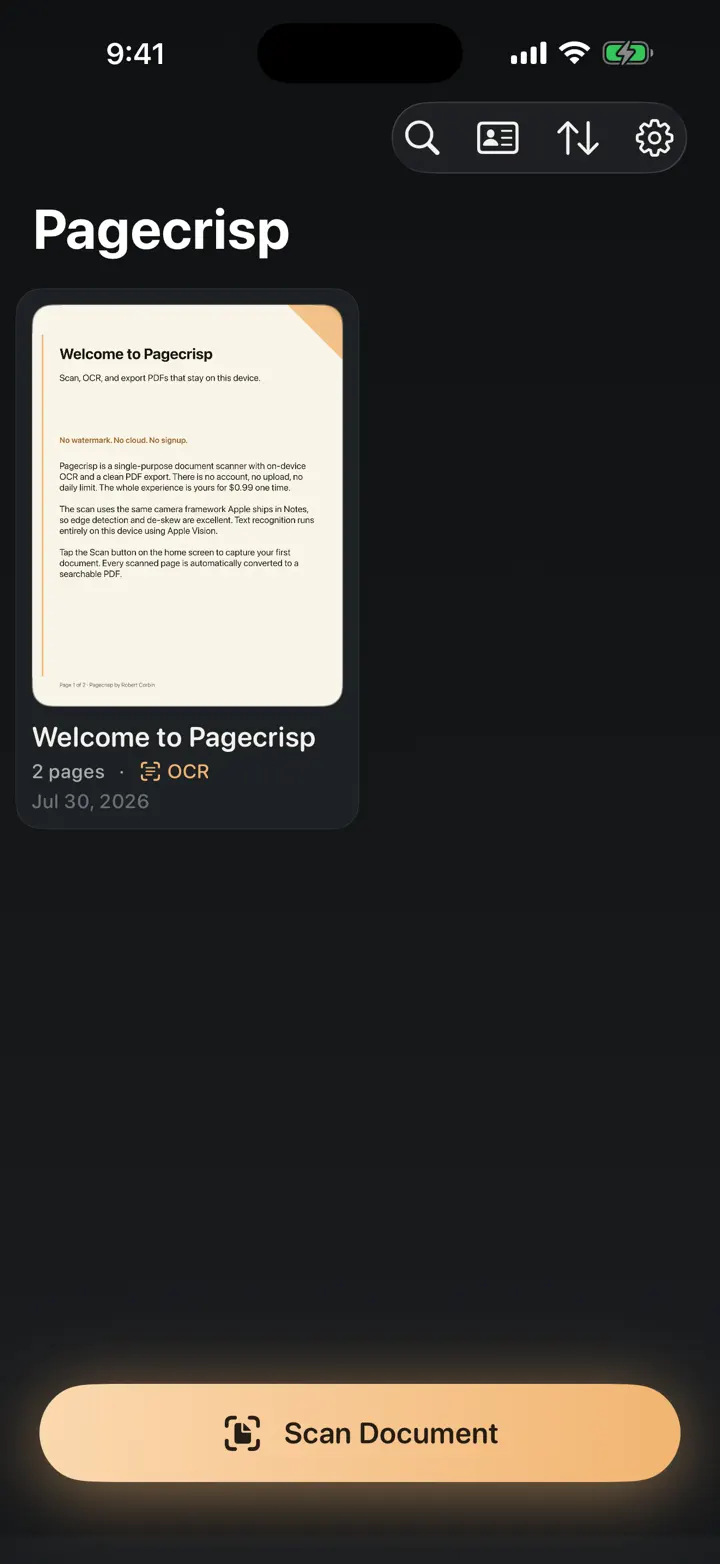
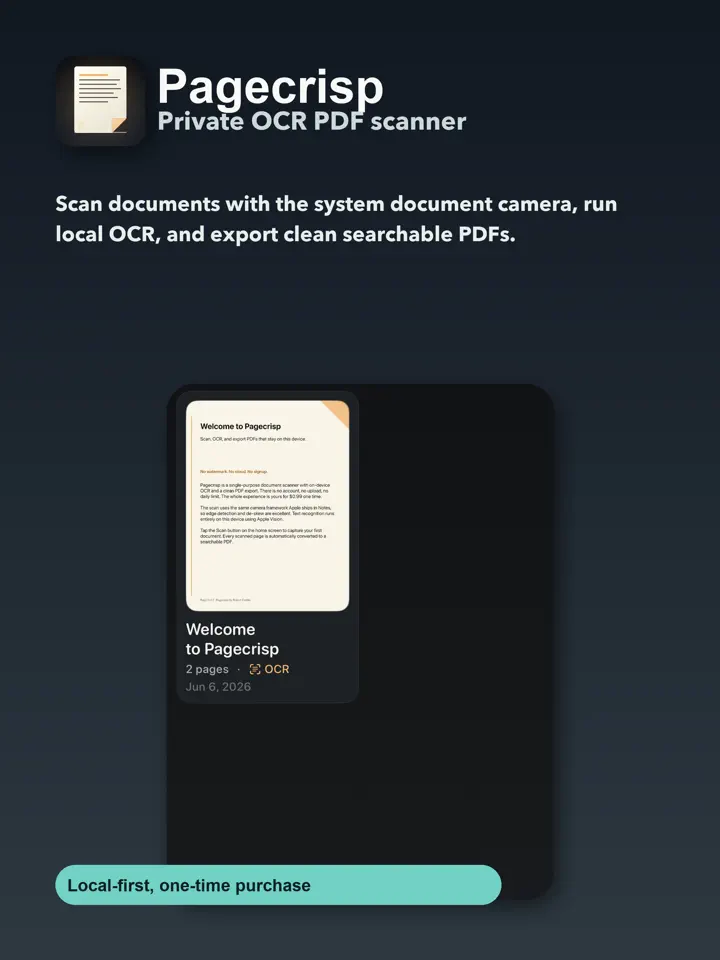
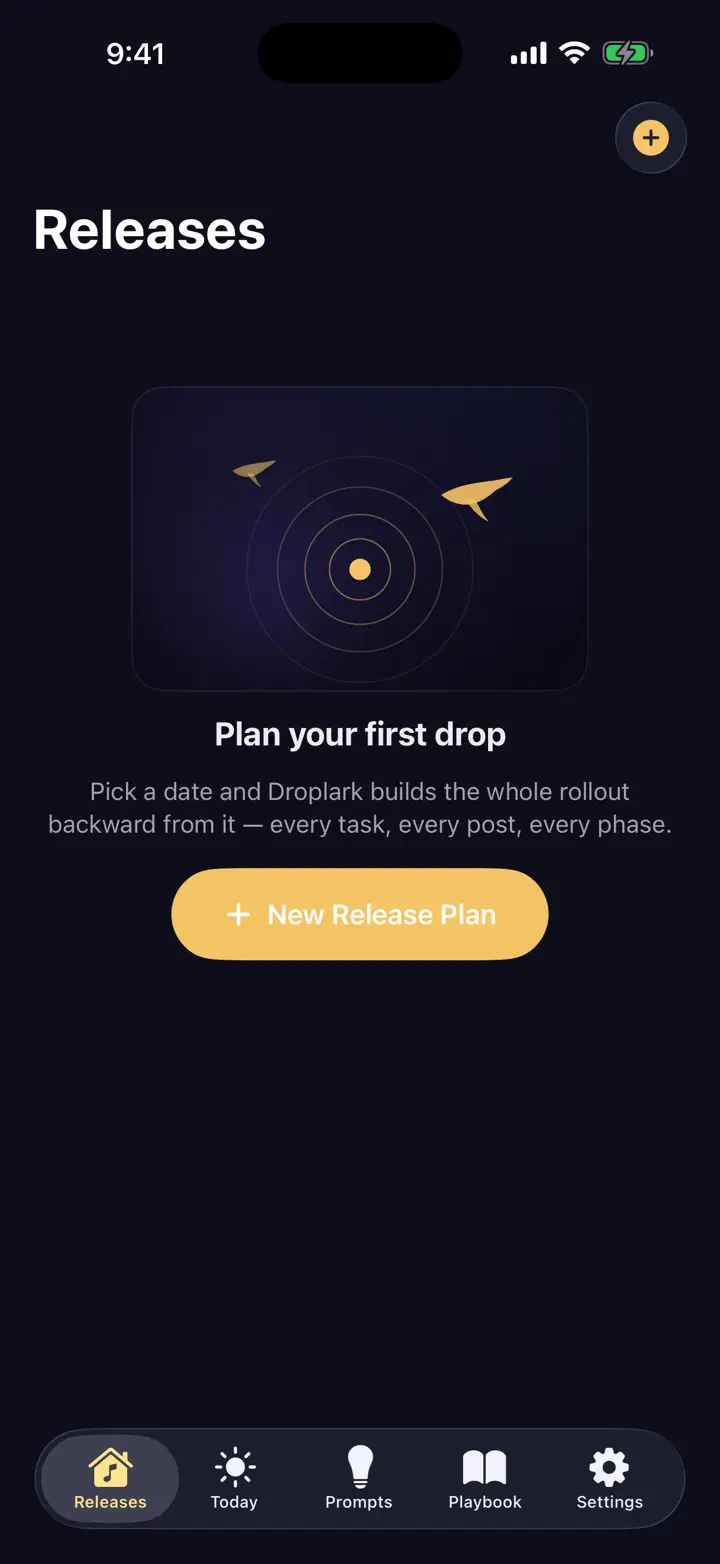
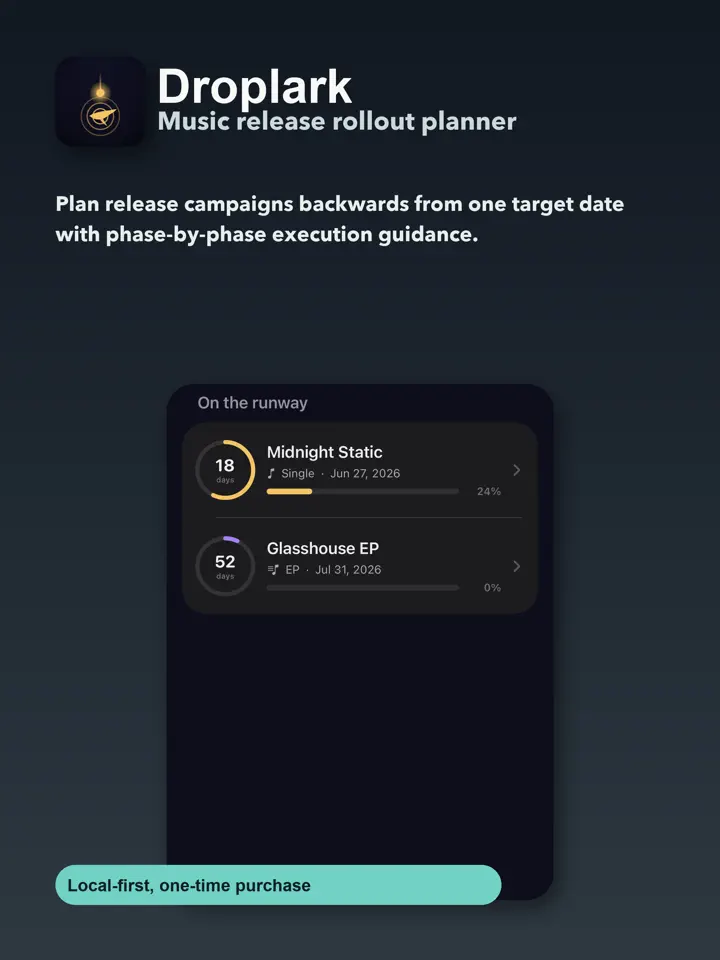
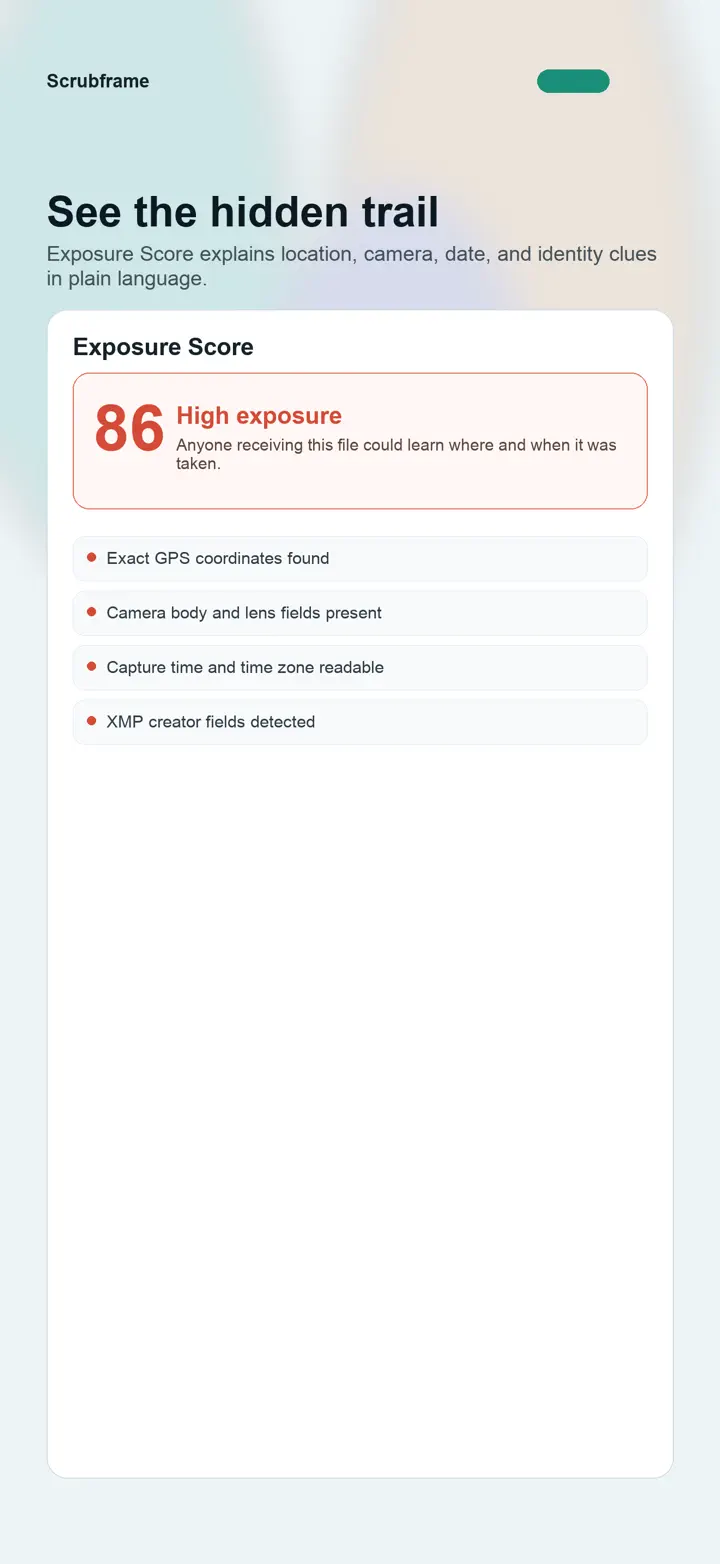
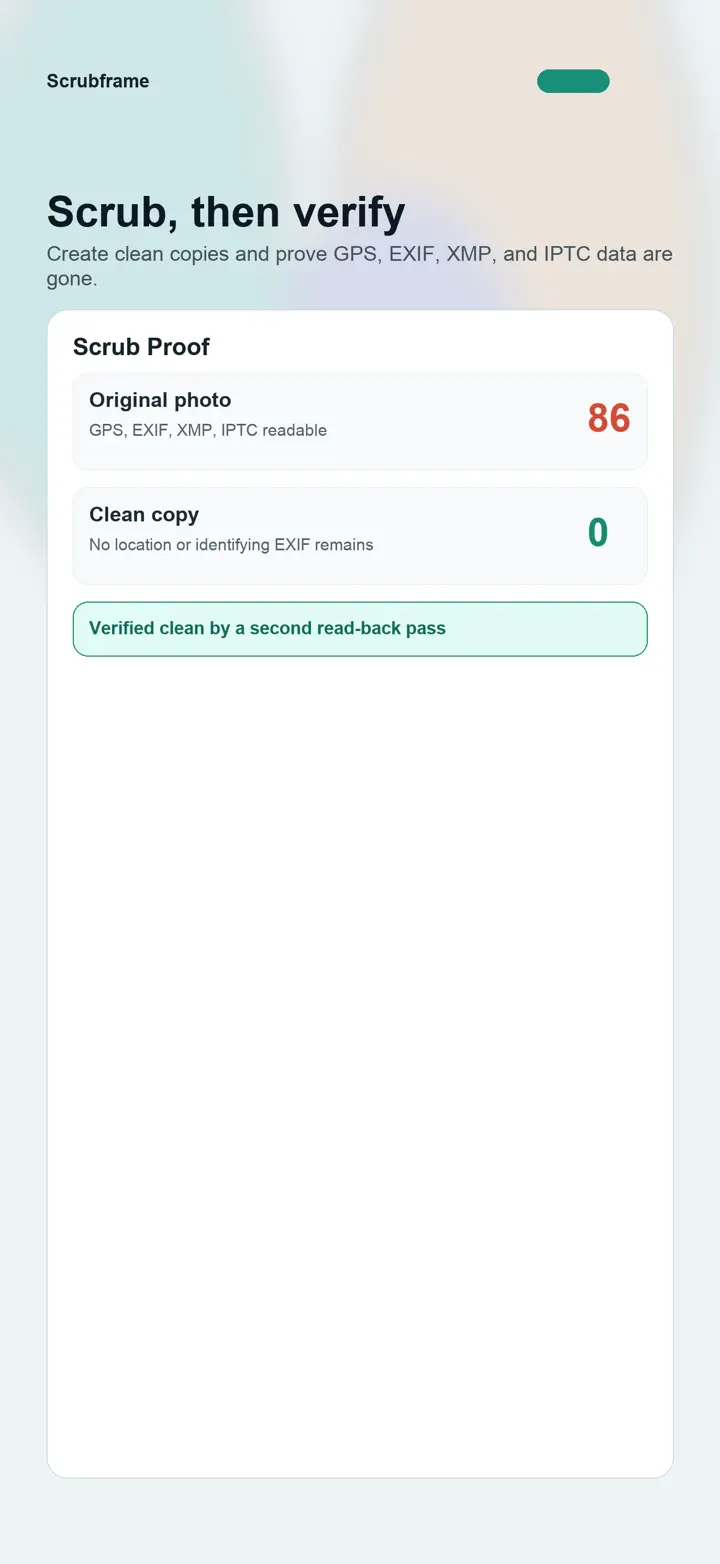
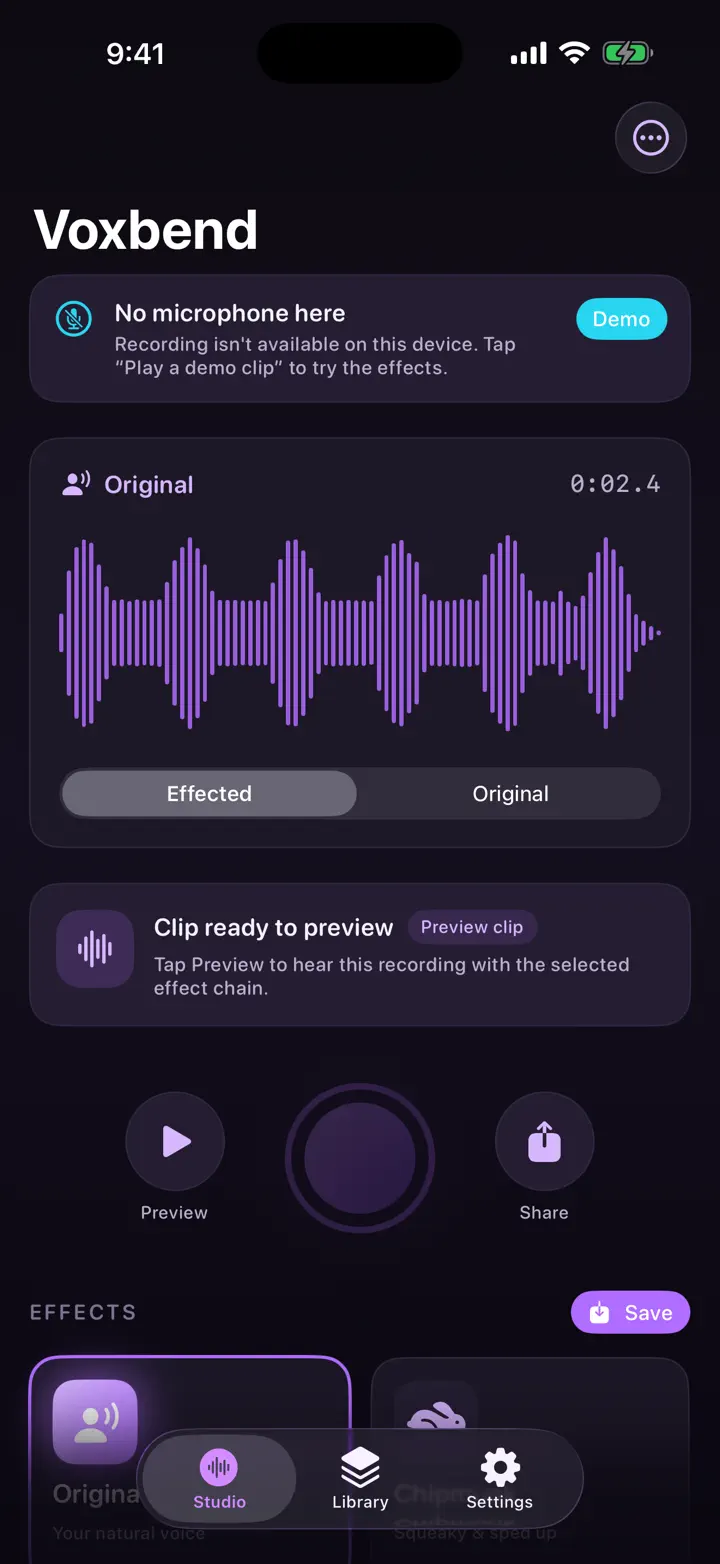
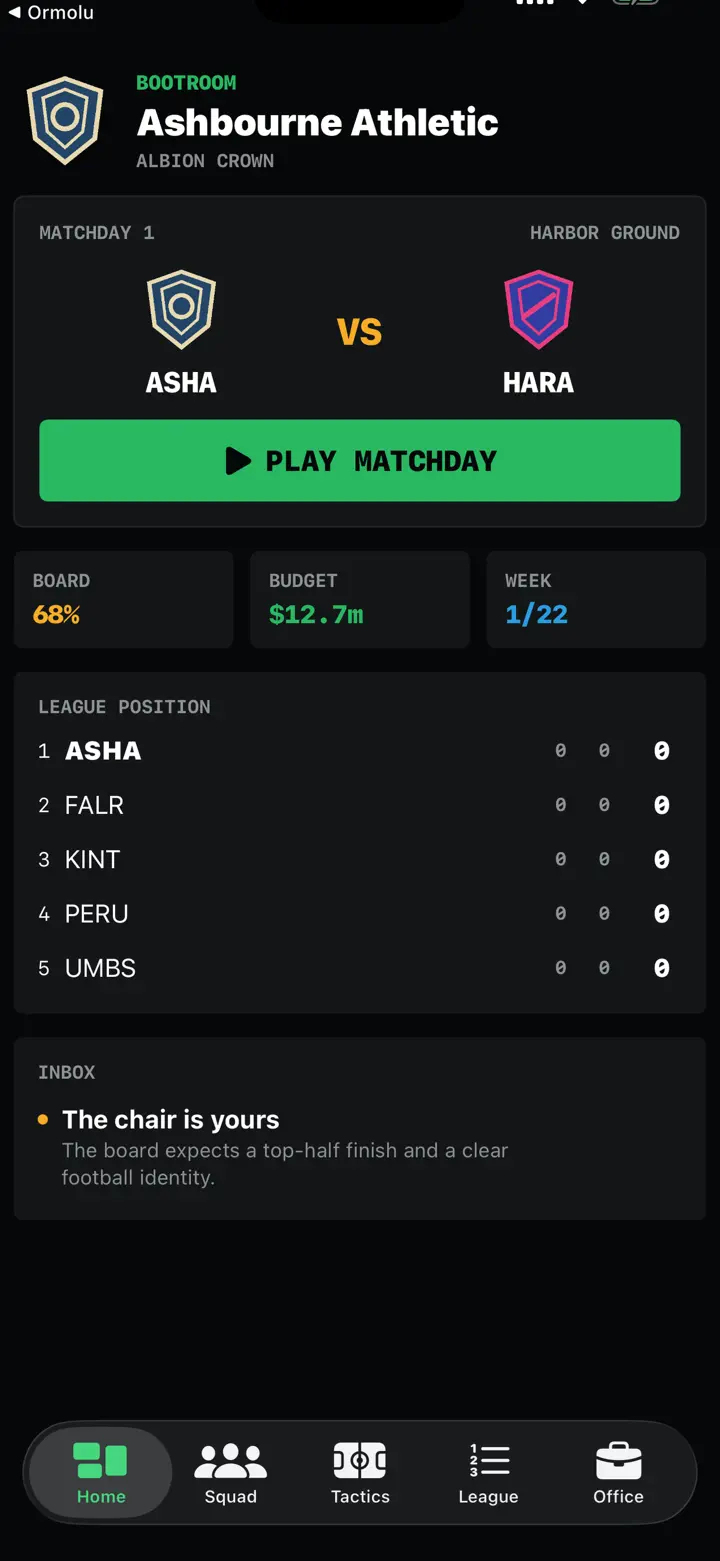
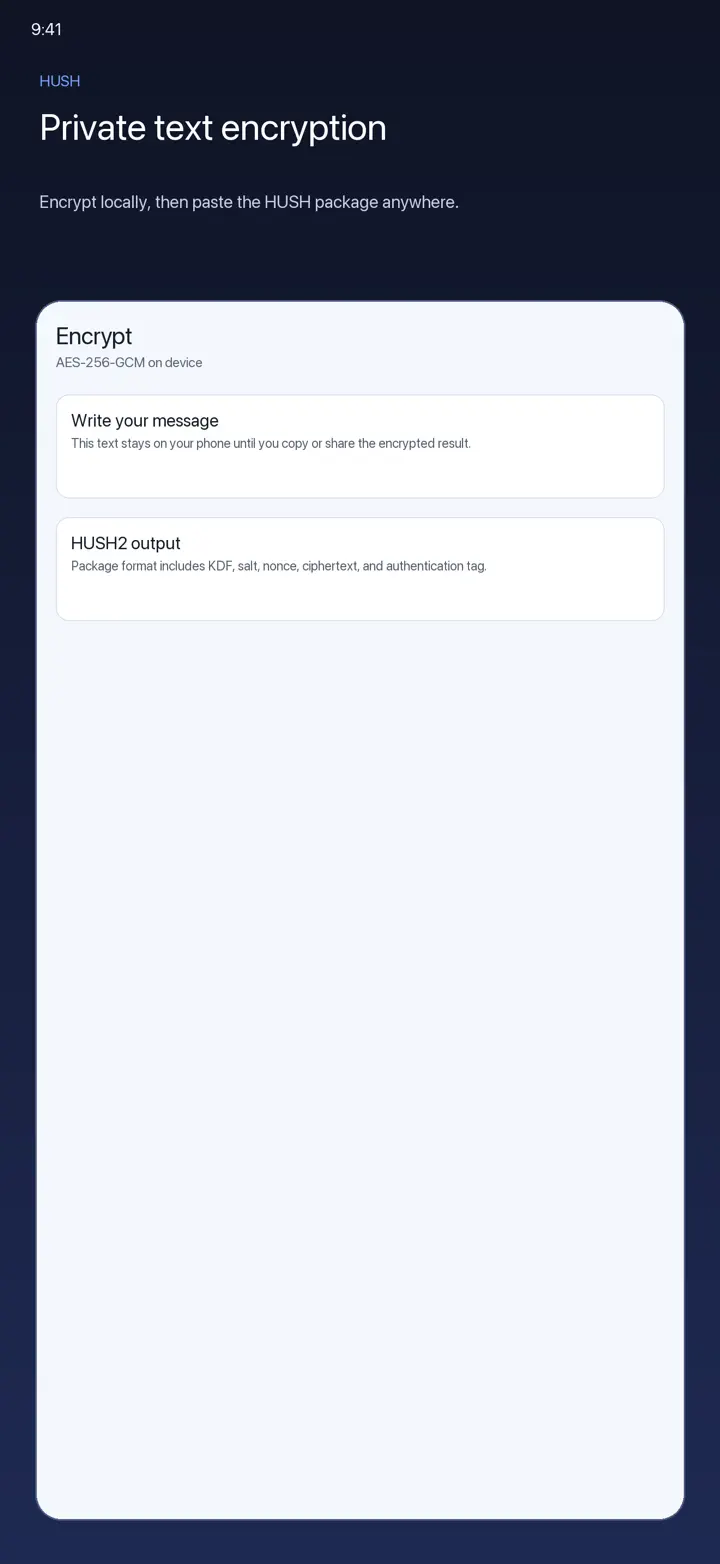
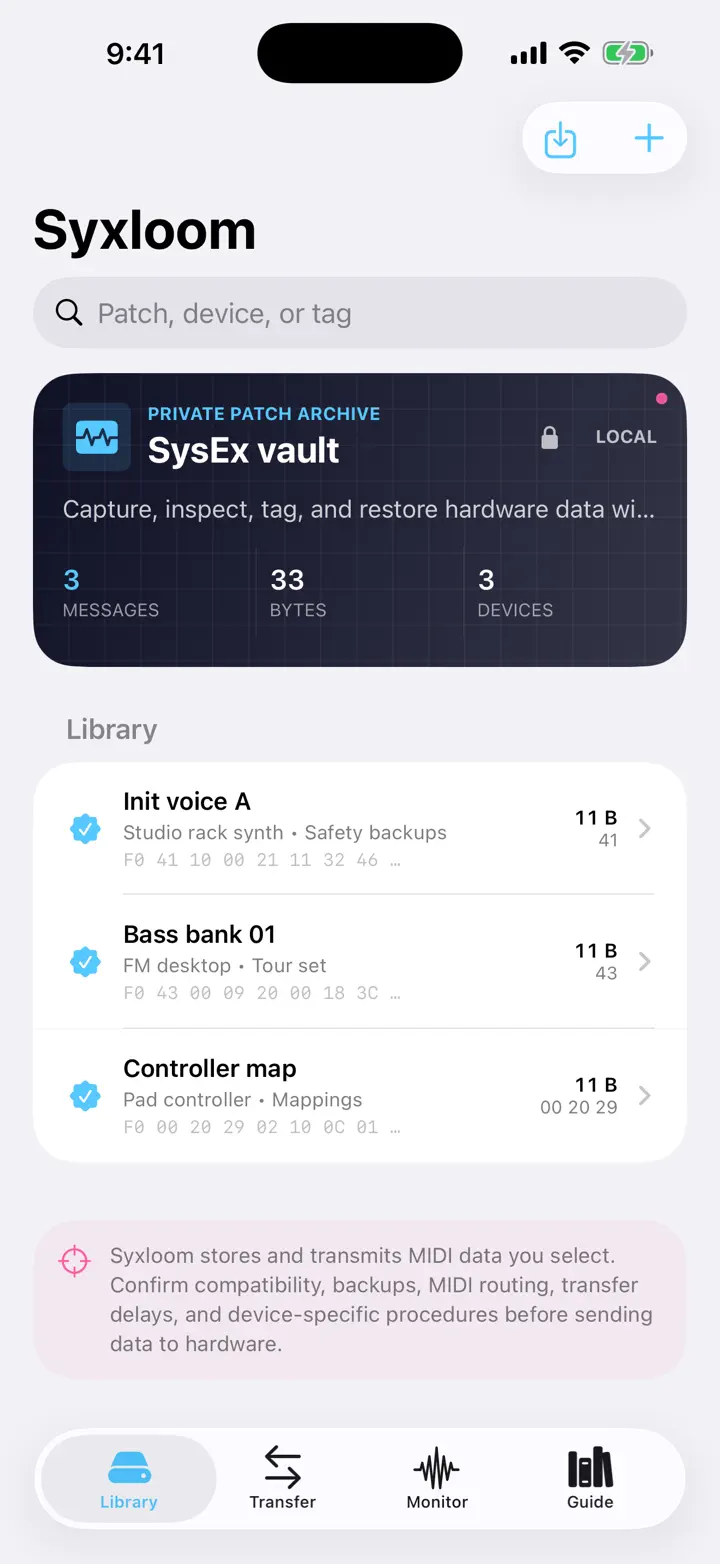
Explore 572 current App Store products with real screenshots, current pricing, app-specific privacy details, and direct support. Start with the apps people are choosing most often right now.
Current favorites
Ranked by recent App Store downloads. Every preview uses current, unedited product screenshots.

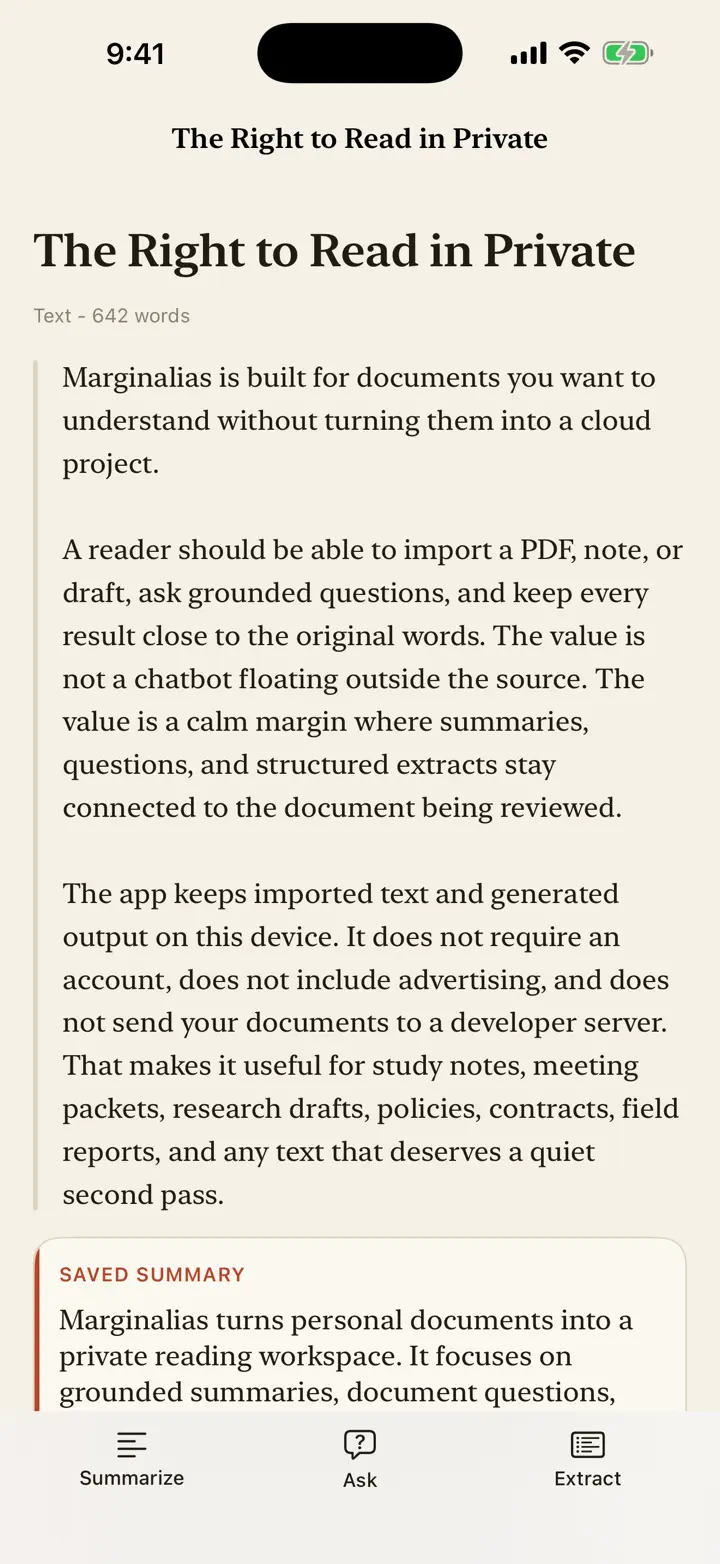
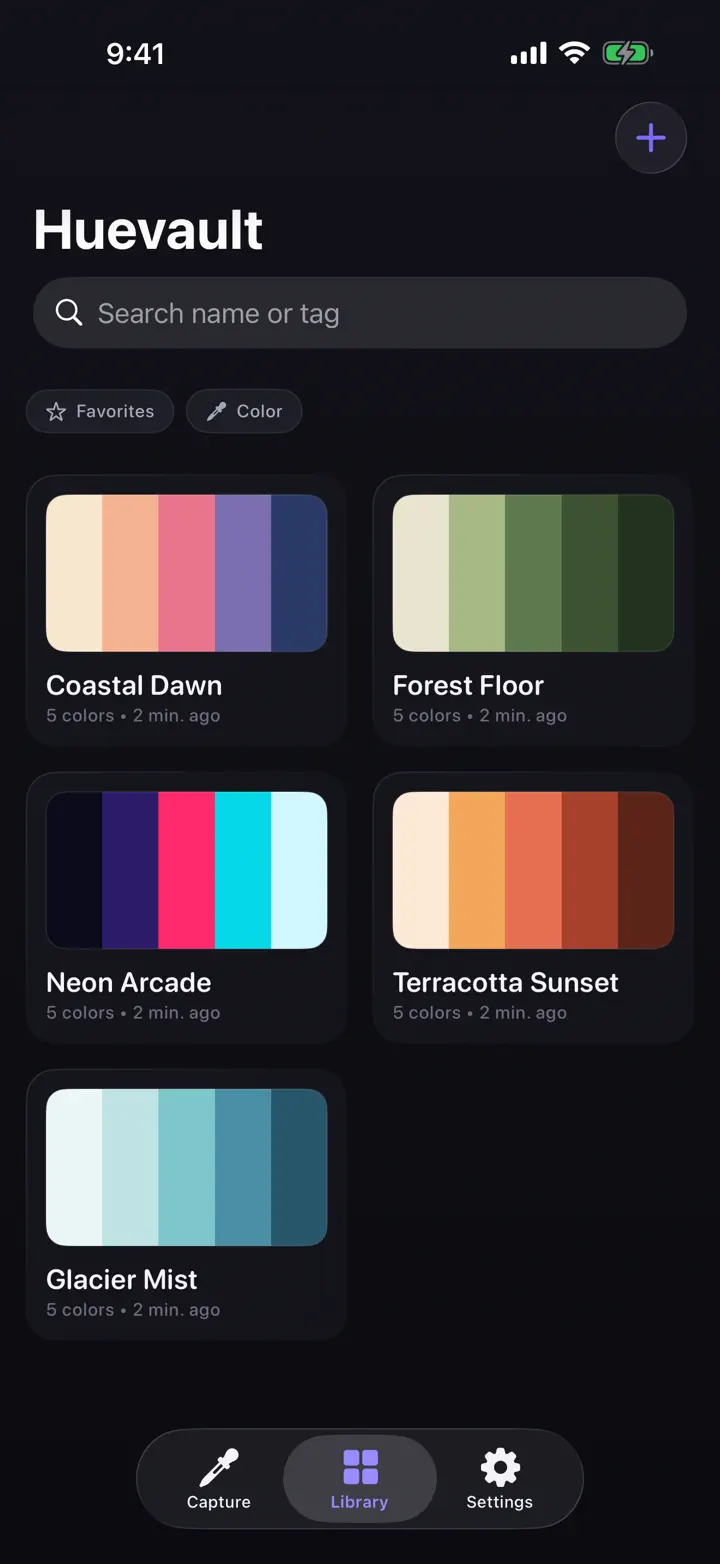
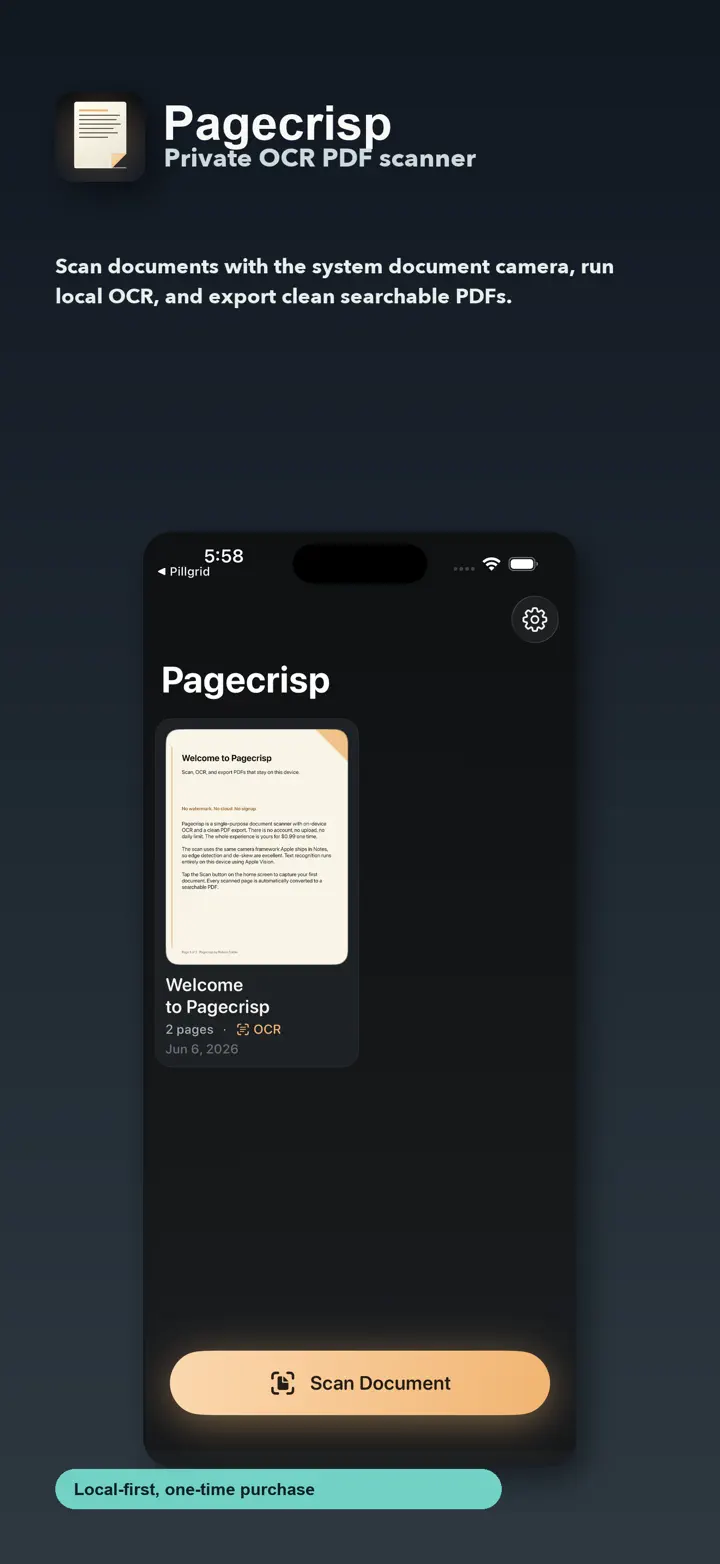
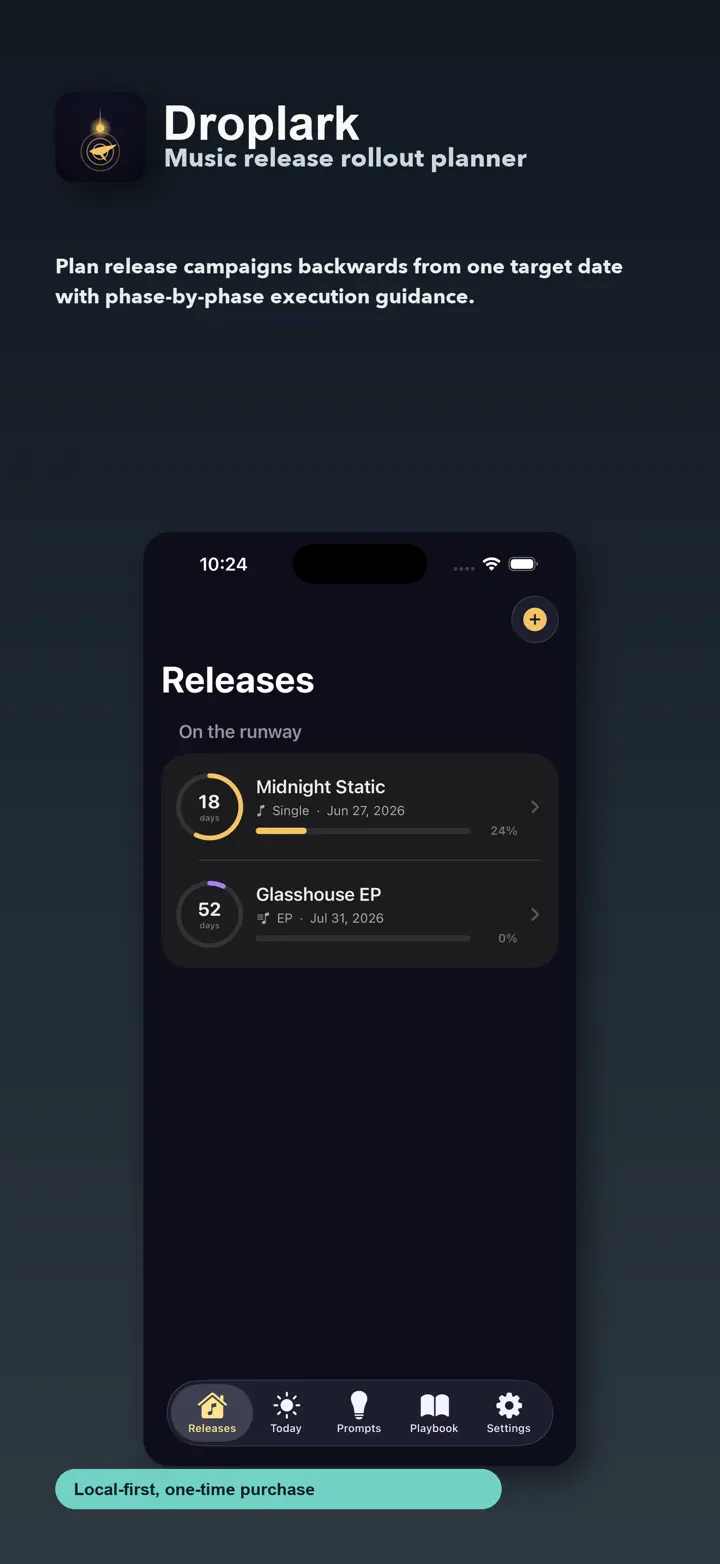
A private, AI-ready creative workstation, built honestly on Debian. KDE Plasma 6, themed end to end in shadow and gold, with local AI, creative software, recovery tools, and a clear verification path. It is a complete desktop for people who want useful software without handing their work to a cloud account.
We don’t fork anything we don’t have to. If you’ve used Debian, you already know how to use Shadowfetch.
Debian is a registered trademark of Software in the Public Interest, Inc. Shadowfetch Linux is an independent derivative and is not affiliated with or endorsed by the Debian project.


LOCAL AI BY SHADOWFETCH
Local models and a private chatbot — the same toolchain that ships in Shadowfetch Linux, installable on any Debian Testing box with one command. Use it for research, drafting, and coding while your focused apps handle the exact job on the device. Ollama listens only on localhost, so your models never leave the machine.
sudo apt install shadowfetch-defaultsDirect from the founder
Robert Corbin writes plainly about product decisions, releases, and the work of building an independent software studio.
All Founder's NotesWhy I am focusing the studio on useful apps, a dependable Linux desktop, and a website that makes both easier to discover.
FOUNDER-LED INDEPENDENT STUDIO
Shadowfetch makes software for people who want capable tools without surrendering their data or renting basic functionality forever. The work spans a full Linux desktop, focused App Store products, and practical local-AI tools that keep work on the machine.
Products ship under the Shadowfetch name. App Store releases are published by Robert Corbin, and corresponding source for Shadowfetch Linux packages is published through its signed APT repository.
Local-first products. App work is designed around on-device storage, and Shadowfetch Linux runs on your hardware. Neither product line needs a Shadowfetch account.
Small and finished. Each app does one thing. It ships when it works, not when a roadmap says so.
Built on Debian, not around it. Security updates and 99% of the archive come straight from upstream.
One person, publishing in public. Every app, every release, and every mistake is on the record above - corrected in the open, on the page, with the change stated.


