Copyable readiness report
Audio Check produces a clean Markdown report with the current setup, ready signals, and suggested fixes. Keep it with production notes or use it before meetings and recordings.
A focused Mac audio desk for switching devices, checking microphone readiness, preparing profiles, scheduling quiet hours, and keeping pre-call setup notes close from the menu bar.
Run a readiness score before calls, recordings, streams, and presentations. Mixerbar checks device selection, mute state, volume, balance, sample rate, meter status, clipping risk, saved profiles, schedules, and priority switching.
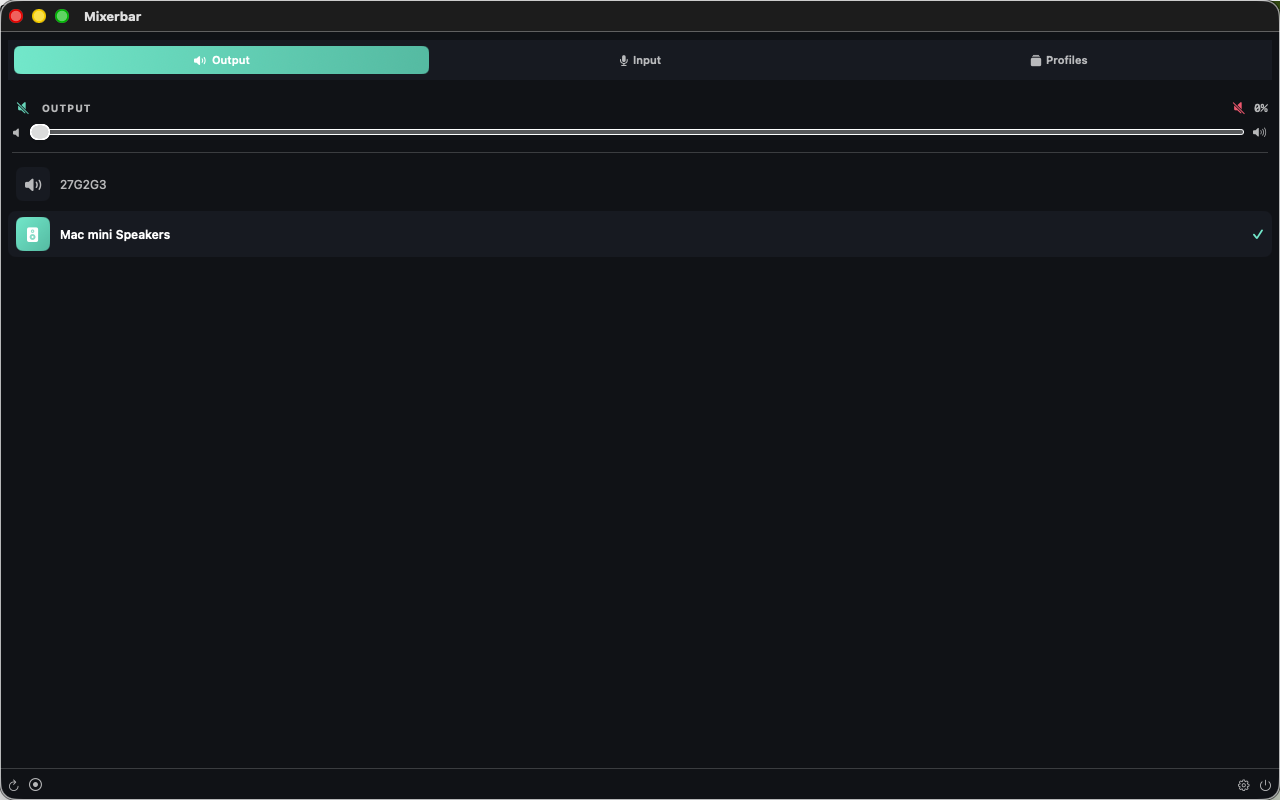
Switch input and output audio devices in one click. Volume sliders and mute toggle stay close, and profiles save common device and volume setups for instant recall.
Real-time dBFS microphone meter with left and right channels, color-coded levels, peak hold, LUFS-style loudness context, and clipping warnings when the signal gets too hot.
Set daily time-window rules that lower output volume or mute when needed. Quiet hours, weekend rules, custom windows, midnight-spanning windows, and day-of-week filters are supported.
Rank preferred output devices. When a higher-priority device connects, such as headphones, a USB DAC, or an external monitor, Mixerbar can select it automatically.
Audio Check produces a clean Markdown report with the current setup, ready signals, and suggested fixes. Keep it with production notes or use it before meetings and recordings.
No account, no ads, no tracking, and no network dependency. Everything runs locally on your Mac using public CoreAudio APIs and local preferences. The microphone is accessed only while the meter or quick recording is active.
This image shows the current 2.2 Mac app interface used for review-facing screenshots.
Last updated June 27, 2026.